
| Series | Example | System Version |
| NVR | DHI-NVR5216-16P-EI | V4.005.0000000.3.R Build Date: 21-01-2025 |
NB: The firmware version is based on the latest version when this document was created and may slightly differ from future versions, however, this will not affect any of the functionality.
You will require a monitor connected to the local recorder
I have used the web browser version of the recorder's layout for convenience. monitors connected to the recorder directly may display a different layout
——————————————————————————————————————————————
If your recorder is displaying decode disabled in all channel boxes and you can control and move your mouse: 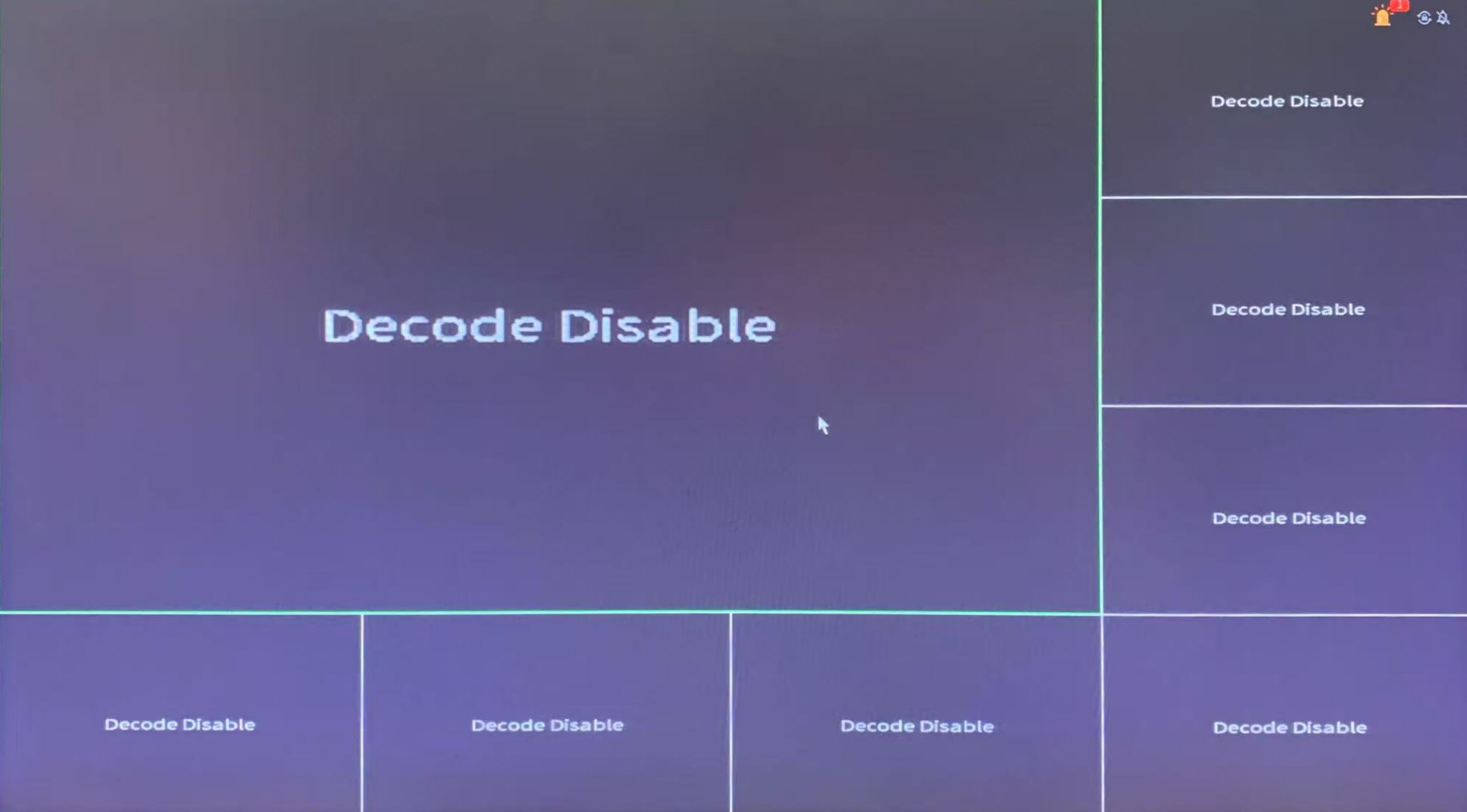
Then you should be able to enable decoding in your display settings by going to the main menu. by right clicking and selecting main menu, then go to settings.
Select display on the left hand side and make sure Enable decoding is enabled, then click apply and your cameras should come back online.
——————————————————————————————————————————————
If your recorder is displaying decode disabled in all channel boxes and you can't control or move your mouse:
There's 2 HDMI and 2 VGA ports. you're most likely plugged into the wrong one.
main screen will always be either HDMI or VGA 1 so if its displaying decode disabled or just displaying cameras without any mouse, then you're plugged into sub screen, so swap the connection to either HDMI or VGA 1
Comments
0 comments
Please sign in to leave a comment.